GPS Tracker Data Privacy: What Families Should Check
Who sees your family's location data, how long it's kept, and what US law says. A practical privacy checklist for choosing a GPS tracker for kids, pets or parents.
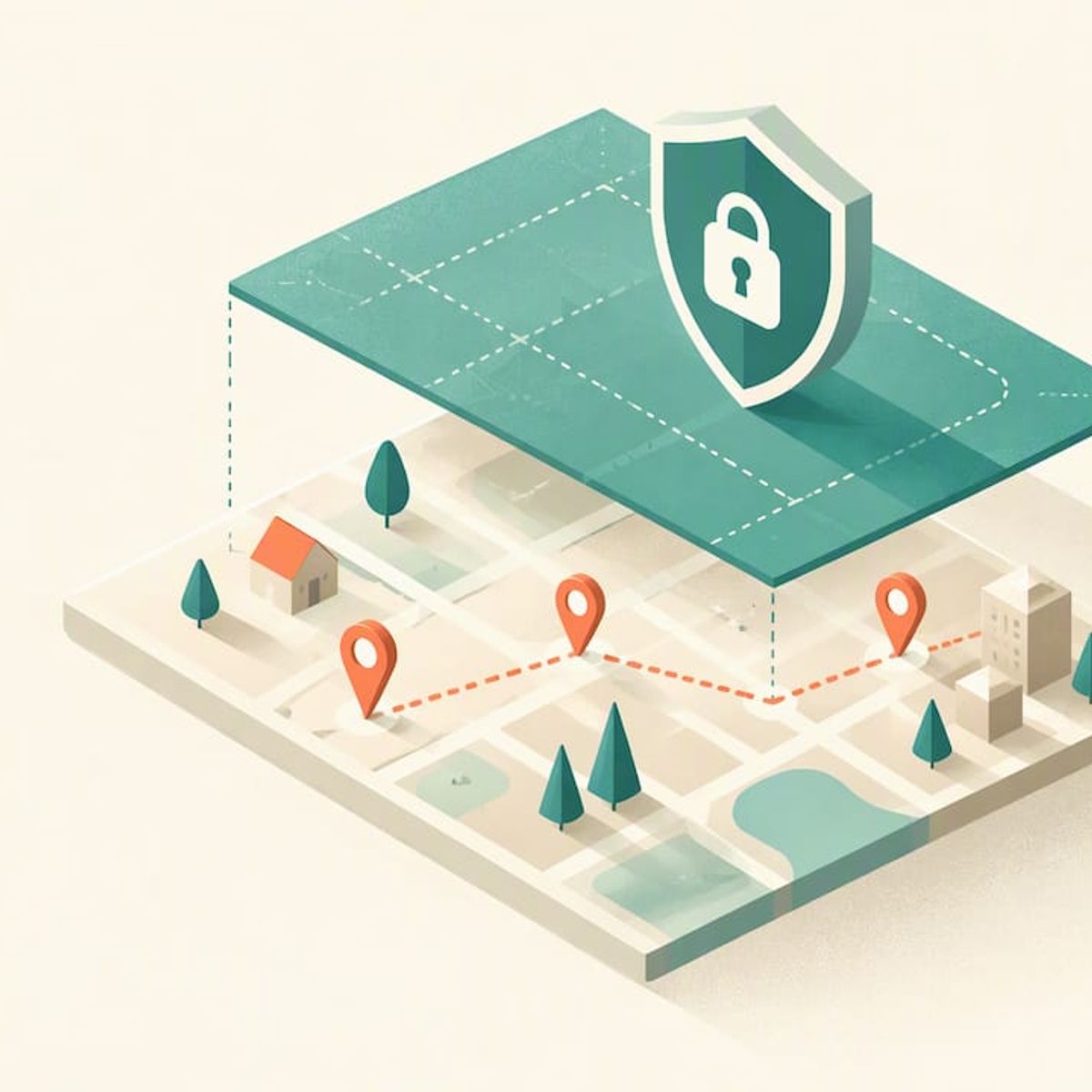
GPS Tracker Data Privacy: What Families Should Check
A GPS tracker’s privacy comes down to four questions: who can see the location data, who else receives it, how long it is kept, and whether you can delete it. Most US families never get clear answers before they buy. This guide gives you the questions to ask, the law that applies, and a checklist you can run on any tracker in about ten minutes.
Kinwatchdog
Choose a Tracker With Less Data
Kin One tracks kids, pets, and parents on one map, with no monthly fees and a user-centric design focused on family awareness.
TL;DR
- Privacy and security are different problems. Security keeps outsiders out. Privacy limits what the company and its partners do with your family’s movements.
- Federal law (COPPA) requires clear notice and verifiable parental consent before precise location is collected from children under 13.
- Extra features such as games, social media or voice messaging collect more personal data than location alone. Fewer features usually means a smaller data footprint.
- Favor a device with route deletion, controls over who can see the map, and no audio or camera. Kin One has these and costs $99 one time, with no monthly fee.
Table of Contents
- Privacy and security are not the same thing
- What the law says in the US
- Where your family’s location data actually goes
- A ten-minute privacy checklist
- Hardware tracker or phone app?
- Perspective: less data is the safest design
- How Kin One handles these questions
- Privacy tips once you own a tracker
- What GPS can and cannot tell you
- FAQ
- Sources
Privacy and security are not the same thing
Parents tend to use the two words interchangeably. Consumer Reports separates them clearly. Privacy is about how a company collects and shares your family’s movement data. Security is about whether that data is locked down with protections such as encryption and multifactor authentication.
A tracker can be well protected against hackers and still let its maker share your child’s movement patterns with third parties. The reverse also happens: a company with a modest data policy can run a weak login system. You need both, and the sections below cover each.
A location history is more revealing than it looks. Dots on a map show where a child sleeps, which school they attend, which clinic a grandparent visits and what time the house is empty. Treat that history as sensitive information from the day you switch the device on.
What the law says in the US
There is no single federal statute for family GPS trackers. Three layers apply, and they protect different people.
Federal: COPPA for children under 13
The Children’s Online Privacy Protection Act puts parents in control of what is collected from young children. The FTC’s COPPA FAQ says the rule was designed to protect children under 13. Under it, operators of apps or devices directed at children must give clear notice and get verifiable parental consent before collecting precise geolocation.
The FTC does enforce this. In September 2025 it took action against a robot toy maker whose app allegedly let a third party in China collect children’s geolocation without parental consent. The case matters to buyers because the problem was not the maker itself. It was a third party reached through the product.
The FTC has also written to makers of children’s location devices before. In 2018 it warned two foreign companies that their devices and apps appeared to collect children’s geolocation in ways that might violate COPPA. Buying from a company that does not sell to the US market, or does not mention COPPA at all, is a red flag.
State: tracking people without their consent
At least 26 states and the District of Columbia regulate private use of electronic location tracking devices, according to the National Conference of State Legislatures (figure as of September 2022). These laws generally bar tracking a person’s movements without consent. Many include exemptions for parents tracking minor children, but they vary by state.
Two practical points follow:
- Minors: a parent or guardian tracking a minor child is the case most statutes anticipate, but check your own state’s wording.
- Adults: a spouse, an ex-partner, an adult child or an older parent is a different matter. Track another adult only with their knowledge and agreement. Putting a device in someone’s bag or car without telling them can fall under stalking or tracking statutes.
We cover the parental side in more detail in our guide on whether it is legal to GPS track your child, and on what changes once a child turns 13. For the warrant and FTC angles, see our US GPS tracker privacy explainer.
This is general information, not legal advice. If your situation involves a custody order, a dispute with another parent or a caregiver arrangement, talk to a family law attorney in your state before you rely on a tracker.
Where your family’s location data actually goes
When you press “track”, the data takes a route. Each stop is a privacy decision someone else made for you unless you ask.
- The device. It reads satellite signals and sends a position over a cellular or other network.
- The company’s servers. Your family’s positions are stored here, often with a history.
- The app on your phone. It pulls the data and may add its own analytics or advertising tools.
- Third parties. Cloud hosts, analytics firms, ad networks, sometimes affiliates. The FTC case above came from this stop.
A useful test: for each stop, can you find a plain statement of what is collected, why, and for how long? NIST advisers have recommended a standard notice on connected devices that says precise location tracking is enabled by default, so that consumers do not have to dig through multi-page legal policies to find out. You should be able to learn the basics in one screen, not twenty.
The extra-features problem
Consumer Reports advises parents to be wary of “open-ended” devices with games, social media or voice messaging. Each feature adds personal data on top of location: contacts, messages, voice recordings, photos. A tracker built to show where someone is needs far less of that.
It also notes a “transparency gap”: many devices meet industry-standard security yet remain vague about how they handle sensitive information. Its lead researcher argues that backing responsible, transparent corporate practices matters more than ticking off a feature list.
A ten-minute privacy checklist
Run this on any tracker before you pay, including ours.
QuestionWhat a good answer looks likeRed flag
Who can see the location?
You choose, by person, and can change it
Visibility fixed by the company
Can you delete history?
Routes can be deleted by you
History kept indefinitely, no delete option
Is data shared or sold?
Plain statement that it is not shared for advertising
Vague “partners” language
Does it record audio or video?
No microphone or camera features
Always-on listening, photos
COPPA statement for kids under 13?
Clear notice and parental consent flow
No mention of COPPA
Login protection?
Multifactor authentication supported
Password only, no way to add more
Who pays for the data plan?
Stated up front, no surprise terms
Service ends if you stop paying
The multifactor row deserves attention. Consumer Reports found that many trackers for children or seniors lack basic protections such as MFA, and that adding it later is often impossible if the hardware does not support it. Check before purchase, not after.
The last row matters for privacy too. A device that stops working when a subscription lapses leaves you choosing between paying indefinitely and losing the product. A one-time price removes that pressure. See what a subscription is actually for and what to check on a no-monthly-fee tracker.
Hardware tracker or phone app?
App-based tracking runs inside the phone’s wider data environment. Consumer Reports notes that location can still be inferred even with Location Services turned off, if an app uses other sources such as IP addresses or databases of known wireless hotspots. A dedicated hardware tracker is generally more predictable, because it does one job and sits outside the phone’s ad and app ecosystem.
That also helps with a practical problem: young children and many seniors do not carry a phone, or should not need one. We look at that in sharing location without a phone and in our comparison of Family Link and a GPS tracker.
Perspective: less data is the safest design
We build around a simple idea: the best way to protect location data is to collect less of it and give you control over what remains. Kin One shows kids, pets and parents on one map, and that is the job. We left out audio monitoring and onboard cameras on purpose. A device that cannot listen or watch cannot leak recordings, and a family that wants to know where someone is does not need to hear or see them.
The second choice is about the trail. A map you check in the moment is different from a permanent record of every trip. That is why Kin One lets you delete routes and manage who sees the map yourself. Our page on GPS tracker privacy and the no-permanent-trail idea explains how we think about it.
The third is money. Subscriptions create a relationship in which your family’s data is bound up with a recurring bill. We sell the device once, with lifetime network data, so you are not buying access to your own family’s map every month.
No tracker removes the need for a conversation. Tell your kids what the device does. Tell an elderly parent before they carry one. Privacy starts with the people being tracked knowing about it.
— Louis
How Kin One handles these questions
Here is what the Kin One device offers against the checklist above:
- One map, several people. Kids, pets and parents appear together, with live updates and arrival and departure alerts.
- Route deletion. You can remove location history rather than leaving it in storage.
- User-managed visibility. You decide who sees what.
- No audio monitoring and no onboard camera.
- Up to five approved emergency contacts.
- A two-year warranty and no monthly fees. The price is $99, paid once, with lifetime network data.
If you are choosing for a specific person, the pages for kids, seniors and pets cover the differences. You can see the full details and order on the Kin One product page.
Privacy tips once you own a tracker
Buying well is half the job. The rest is habit.
- Tell the person being tracked. A child over about 10 can understand “this helps us find you if plans change.” A senior should agree to carry it.
- Limit who has access. Share the map with the adults who need it, nobody else. Our guide for co-parents sharing location covers dual logins.
- Delete routine history. Clear routes you no longer need.
- Set emergency contacts deliberately. Choose people who will actually answer. See our five checks for emergency location sharing.
- Review the setup occasionally. Our family safety checklist walks through the steps.
Do not try to block a tracker with a jammer
If you are on the other side of this, worried about being tracked, do not buy a signal jammer. It is illegal in the US to operate, import, sell or advertise GPS jamming devices. The FCC warns that jammers can interfere with emergency communications for everyone nearby, and a single violation can carry a penalty of up to $122,500. If you think someone has placed a tracker on your car or belongings, contact local police or an advocate who handles stalking cases.
What GPS can and cannot tell you
Privacy also covers the opposite worry: a tracker that shows the wrong place and leads to wrong conclusions. GPS.gov says what you receive depends on satellite geometry, signal blockage, atmospheric conditions and receiver quality. In open sky, accuracy is typically within about 4.9 meters (16 feet), but it degrades near buildings, bridges and trees.
So a dot drifting across a street does not prove a child went there. Read the map as an estimate, especially in cities and wooded areas. For more, see what blocks GPS signals and how GPS behaves under tree cover.
FAQ
Is it legal to put a GPS tracker on my child?
In general, parents and guardians may track their minor children, and many state laws that restrict tracking include an exemption for that case. The details differ by state, so read your state’s statute on the NCSL list. If you are in a custody dispute, ask a family law attorney first.
Can someone track me if my phone’s location is turned off?
Sometimes. Consumer Reports notes that apps can estimate position through IP addresses or wireless hotspot databases even when Location Services is off. A separate hardware tracker is more predictable because it is not tied to your phone’s app environment.
Does a no-subscription tracker have worse privacy?
Not by itself. Billing model and privacy are separate questions. Judge any tracker on what it collects, who can see it, how long it is kept and whether you can delete it. A one-time price does mean the company has no recurring revenue pushing it to monetize your data, but you should still read the policy.
What should I look for in a tracker for a child under 13?
Look for a clear notice of what is collected, a parental consent process that meets COPPA, no games or messaging that add extra data, and the ability to delete history. Check whether the device supports multifactor authentication before you buy.
Can I track an elderly parent?
Yes, with their knowledge and agreement. Tracking another adult without consent can break state law. Talk to them first, explain who sees the map, and give them a say in the emergency contacts.
Sources
- Should You Track Your Child With a GPS Tracker or Smartwatch? (Consumer Reports)
- Complying with COPPA: Frequently Asked Questions (FTC)
- FTC action against robot toy maker over children’s location data (FTC, 2025)
- FTC warns Gator Group and Tinitell (FTC, 2018)
- Private Use of Location Tracking Devices: State Statutes (NCSL)
- NIST IoT Advisory Board recommendations, 2023
- FCC public notice on jammers
- GPS Accuracy (GPS.gov)