Approximate Location Sharing: What It Means and When It Fits
Approximate location blurs your position by miles. Learn how it works on iPhone and Android, what it hides, and how families get exact, controlled tracking.
Approximate Location Sharing: What It Means and When It Fits
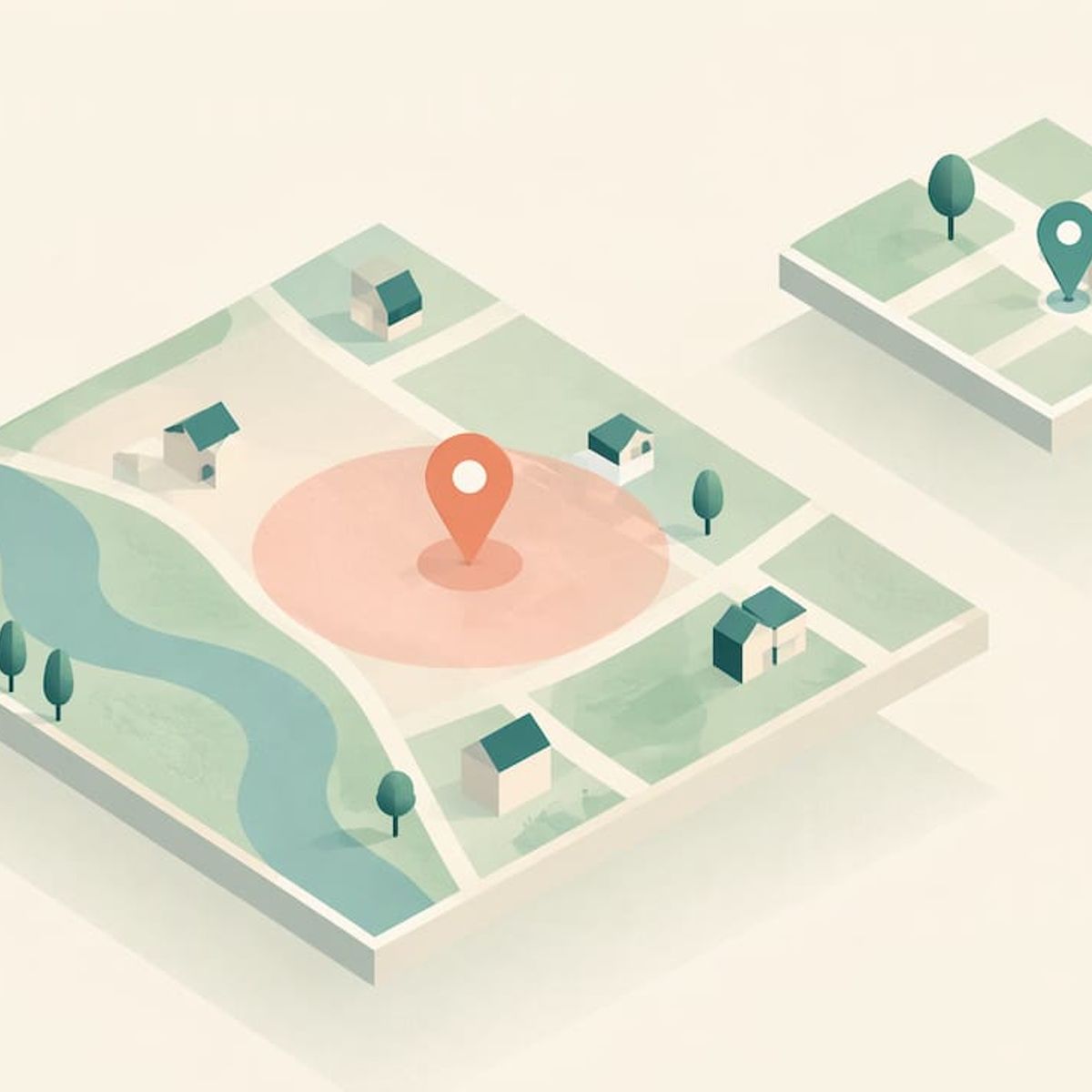
Approximate location sharing lets a phone app know the general area you are in, not your exact spot. On Android that area is about 3 square kilometers (roughly 1.2 square miles). On iPhone it is a fixed region several miles across. That is a good privacy setting for a weather app. It is the wrong tool when you need to know whether your daughter reached school, your dog is still in the yard or your father made it to the pharmacy. For those jobs, families do better with exact, deliberate location that each person can see and control, and that is why we built Kin One: a GPS tracker for kids, pets and parents on one map, at a one-time price of $99 with no monthly fees.
Below you will find what approximate location really is, how accurate it is, how to turn it on or off, what it still gives away, and how to pick the right level for each person in your family.
Kinwatchdog
kinwatchdog.com
Know Where Your Family Is
Kin One puts the real-time locations of kids, pets, and parents on one map, with no monthly fees.
TL;DR
- Approximate location is a phone permission that blurs your position to an area of about 3 square kilometers on Android and a region of a few miles on iPhone.
- It protects privacy from apps, but it is too coarse to tell you where a child, pet or parent actually is.
- You can switch between approximate and precise per app in your phone settings, and you can stop any shared location at any time.
- Families who want exact positions with clear privacy rules can use a dedicated tracker. Kin One costs $99 once, has no monthly fees and shows kids, pets and parents on one map.
- Whatever you choose, tell the person being located. Transparency matters as much as the technology.
Table of Contents
- What approximate location actually means
- How accurate is it, and what does the other person see?
- Approximate location is a privacy aid, not a guarantee
- How to share only your approximate location
- How to stop sharing
- Which level fits which person in your family
- Talk about it before you turn anything on
- Exact location with privacy controls, without a phone or a monthly bill
- Get one map for the whole family
- Our point of view
- FAQ
- Sources
What approximate location actually means
Your phone can report where it is at two levels of detail. Android’s developer documentation defines approximate location as an estimate accurate to within about 3 square kilometers (about 1.2 square miles). Precise location is as accurate as the hardware can manage, usually within about 50 meters (160 feet) and sometimes within a few meters. If you grant an app only approximate access, it receives only approximate data, no matter what it asks for.
Google’s own help page for choosing which apps use your Android device’s location adds a second dimension: an app can have approximate, precise or both, and it can have that access only while you use it or also in the background.
Think of it like telling a delivery driver “I’m somewhere in this part of town” versus giving them your street address. The driver can head in the right direction, but cannot find your door.
How accurate is it, and what does the other person see?
The two big phone platforms blur your position differently. A 2024 academic study of approximate versus precise location in popular apps reports the following:
- Android’s approximate location is provided at about 3 square kilometers of accuracy.
- Apple’s iOS 14 and later snaps your position into fixed regions. They are a few kilometers wide in dense cities and 10 kilometers or more in rural areas, typically about a 5 km radius.
- Apple’s version refreshes about four times per hour.
The same study found that what the recipient sees depends on the app. In the apps tested, 47% showed no location at all when only approximate data was available, and some drew a precise-looking dot at the blurred position, which can mislead whoever is looking.
That last point matters for families. A pin that looks exact but is really a guess from several miles wide is worse than no pin when you are waiting on a child who is late.
A worked example
Say your 12-year-old walks from school to a friend’s house a mile and a half away. With approximate sharing on, both places could sit inside the same blurred region. Your map shows a dot that barely moves, and you cannot tell whether she is at school, at the friend’s or on the bus home. With precise location, you see her cross the street and arrive. That difference is the entire reason most parents ask about location sharing in the first place.
Approximate location is a privacy aid, not a guarantee
It is tempting to read “approximate” as “anonymous”. It is not quite that, and families should know why.
Security researcher Joakim Loxdal’s analysis of Android 12’s approximate location found that the feature snaps your position to a grid about 2 km wide and adds a random offset that changes only hourly. Because the offset is stable for an hour, repeated readings can be averaged. After 10,000 shared points, the average landed on average 478 meters from a stationary user’s true location, compared with 986 meters for a single reading. The thesis also found that about 80.52% of bus routes in one Swedish region could be inferred from full-route approximate data.
In plain terms: blurred data collected over a long time can still reveal where someone lives, works or travels.
Several other channels exist too:
- Phones estimate position from GPS, Wi-Fi, cellular signals and motion sensors. Google says the crowdsourced signal data it collects uses randomly assigned, temporary identifiers that are not tied to a specific person or account.
- Your mobile carrier can see location from cell towers. PCMag reports that iOS 26.3 added a Limit Precise Location setting so a carrier can determine only a less precise location, such as a neighborhood. It needs newer Apple hardware and carrier support, and so far in the US only Boost Mobile supports it, so check your own phone and plan.
- A 2019 Consumer Action report described investigations showing that cell tower data alone could place a device within about a quarter-mile radius.
So if you are searching for anonymous location sharing or anonymous location tracking, the honest answer is that approximate settings reduce what one app learns, but no phone setting makes a device untraceable. The practical goal for a family is not anonymity from everyone. It is clear control over who sees what, and for how long.
How to share only your approximate location
On iPhone
Apple’s support page on turning Location Services on or off explains the setting. Go to Settings, then Privacy & Security, then Location Services, choose the app and switch Precise Location off. The app then knows only your approximate area. PCMag’s guide notes that a purple arrow next to an app means it used your location recently, and a gray arrow means within the last 24 hours.
For sharing with a person, Apple’s guide to sharing your location describes three modes:
- A one-time snapshot in Messages or Maps shows just that single spot, and the recipient cannot follow you afterward.
- Check In shares your location only if you are unexpectedly delayed and unresponsive.
- Live Location in Find My or Messages needs both people to have an iPhone with iOS 15 or later.
On Android
On Android 12 and higher you can give each app approximate location only, separate from the device-wide Location Accuracy switch. Google’s help page on managing your Android device’s location settings notes that with Location Accuracy off, only GPS and device sensors are used, which may reduce accuracy in apps like Google Maps. Emergency location services can still send your position to responders.
In Google Maps itself, a roundup of how location sharing works in the app is not needed to know the key point: you pick a duration, from 15 minutes up to several hours or until you turn it off, and sharing ends automatically when time runs out.
How to stop sharing
Stopping is as important as starting, and it is where families trip up. Apple’s guide says you can stop sharing in Find My, Maps or Messages, and that Safety Check (Settings, Privacy & Security, Safety Check, iOS 16 and later) reviews and ends all sharing at once if personal safety is at risk. It also warns that deleting the Find My app does not stop sharing. You must reinstall it and turn sharing off inside the app.
To see who currently has live access, go to Settings, Privacy & Security, Location Services, Share My Location.
We have walked through the steps in more detail in our guides on pausing location sharing on iPhone and beyond and revoking location access safely on Apple and Google devices.
Which level fits which person in your family
The right question is not “precise or approximate?” in general. It is “what decision does this location need to support?”
WhoWhat you need to knowLevel that fits
Young child walking or biking
Did they arrive, did they leave, are they on the usual route
Exact, with arrival and departure alerts
Teen with a phone
General check-ins, respect for independence
Agreed rules, exact when it matters
Dog or cat that can slip out
Which street or yard, right now
Exact, live
Parent or grandparent with memory or health concerns
Are they where they should be, can someone reach them
Exact, with trusted contacts
Friend or acquaintance
Roughly which city or neighborhood
Approximate or a one-time snapshot
Approximate sharing is a good fit for the last row. For the first four, an area several miles wide does not answer the question you are asking.
A 2025 peer-reviewed study of family location apps found that 14 of 20 interviewed parents stressed the importance of location sharing, driven by safety concerns ranging from knowing where their children are to far graver fears. The same study found that role hierarchies in family apps can be unclear, leaving users confused about which privacy controls belong to whom. Clear roles and simple controls are worth looking for in whatever you use.
If you have a baby or toddler at home, planning tools can help you build routines around early parenthood too. The baby milestone tracker benefits article shows how a planner can organize that stage alongside the safety habits you set up for the family.
Talk about it before you turn anything on
Parents are not of one mind on this. A peer-reviewed study of parental attitudes to child tracking found that some parents see reassurance and peace of mind as the core benefit, while others worry about normalizing surveillance and creating a permanent record of a child’s movements. It also found that older children feel more intruded upon. In that survey, 49% of parents were not at all or only a little concerned about third parties accessing their child’s location data, and 35% were quite or very concerned, naming data brokers, advertisers, hackers and stalkers.
The lesson the authors draw is that transparency and conversation about acceptable use matter as much as the technology. A few habits that work:
- Tell your child, parent or relative that location is on, and why.
- Agree on when you will look: arrivals and departures, not every minute.
- Agree on how long routes are kept, and delete them when they are no longer needed.
- Review the arrangement every few months as kids grow.
We built a two-week trial for family location sharing etiquette around exactly this kind of agreement.
Exact location with privacy controls, without a phone or a monthly bill
Sharing from a phone assumes everyone has a phone, keeps it charged and has set the permission correctly. Young children, pets and some grandparents often have none of those. A dedicated device solves that, and it lets you make the privacy decisions on purpose instead of inheriting a setting from an app.
Kin One is a GPS tracker with an app that shows kids, pets and parents on one map. It is designed for real-time hardware GPS and deliberately leaves out audio monitoring and onboard cameras. It includes:
- Live location updates and arrival and departure alerts
- Up to five approved emergency contacts
- Privacy controls, including route deletion and user-managed visibility
- Lifetime network data and no monthly fees
- A two-year warranty
You can read how this compares with screen-time apps in Family Link vs GPS tracker, how it works for children without a phone in child location tracking with no phone and no monthly fee, and how to reach relatives who do not carry a smartphone in sharing location without a phone. For grandparents specifically, see three ways to share location with grandparents.
If you share care between two households, our guide to co-parent location sharing with dual logins explains how to give each parent access. If you want to know what to confirm before relying on any setup in an emergency, use the five checks for family emergency location sharing.
Get one map for the whole family
Kin One is a one-time $99 purchase. That price covers the device and lifetime network data, so there is no subscription to track alongside everything else. One app shows your kids, your pets and your parents together, which is easier than checking a different tool for each person.
If you are comparing options, our page on GPS trackers with no monthly fee lists what to look for. When you are ready, see Kin One, or start with the version for your situation: kids, pets or seniors.
Our point of view
Approximate location is a smart idea for the problem it solves: stopping an app from learning more about you than it needs. We like it for that. But when we talk with families, the question is rarely “how do I blur where I am?” It is “did she get there?”, “is the dog out?” or “is Dad okay?” Those questions need an exact answer, delivered to the right people and nobody else.
That is why Kin One is built the way it is. One payment, no monthly fees, one map for kids, pets and parents. No audio listening and no cameras, because a family tracker should show where someone is, not spy on them. You decide who can see what, and you can delete routes when you no longer need them.
Privacy and safety are not opposites. Exact location, shared openly with clear rules, gives a family peace of mind and gives the person being located a voice.
Louis
FAQ
What does it mean if an app says approximate location?
It means the app can tell only the general area your device is in, not your exact position. On Android that area is about 3 square kilometers. On iPhone it is a region typically a few miles across, larger in rural areas. You can change it per app in your location settings.
What is the difference between precise and approximate location?
Precise location uses GPS and other signals to place you within roughly 50 meters, sometimes a few meters. Approximate location deliberately blurs that to a wide area. Precise is what you want for finding a child, pet or relative. Approximate is meant for apps that need only a general area, such as weather.
Can location sharing be truly anonymous?
Not completely. Approximate settings limit what an app learns, but researchers have shown that repeated blurred readings can be averaged to get closer to a real position, and your mobile carrier can still see location from cell towers. Use approximate settings to reduce exposure, and share exact location only with people you choose.
How do I stop someone from seeing my location on iPhone?
Open Find My, Maps or Messages and stop sharing with that person. For a fast reset, use Safety Check in Settings, Privacy & Security, which reviews and ends all sharing at once. Deleting the Find My app does not stop sharing.
Does Kin One have monthly fees?
No. Kin One is a one-time $99 purchase that includes lifetime network data and a two-year warranty, with no subscription.
Sources
- Request location permissions, Android Developers
- Choose which apps use your Android device’s location, Google Account Help
- Approximate vs. precise location in popular apps, Journal of Location Based Services
- Manage your Android device’s location settings, Android Help
- Evaluating the Approximate Location Feature in Android, DiVA
- Location Tracking and Data Collection, Consumer Action
- Your Carrier Is Tracking Your iPhone, PCMag
- Share your location with iPhone, Apple Support
- Turn Location Services and GPS on or off on your iPhone, Apple Support
- My Data or Our Data? Collaborative family apps, PETS 2025
- It’s About Safety Not Snooping, Surveillance & Society