Caregiver Location Access: Who Sees What, and How
Caregiver location access done right: how to set it up, who should see a loved one's location, how to get consent, and what to do when a device fails.
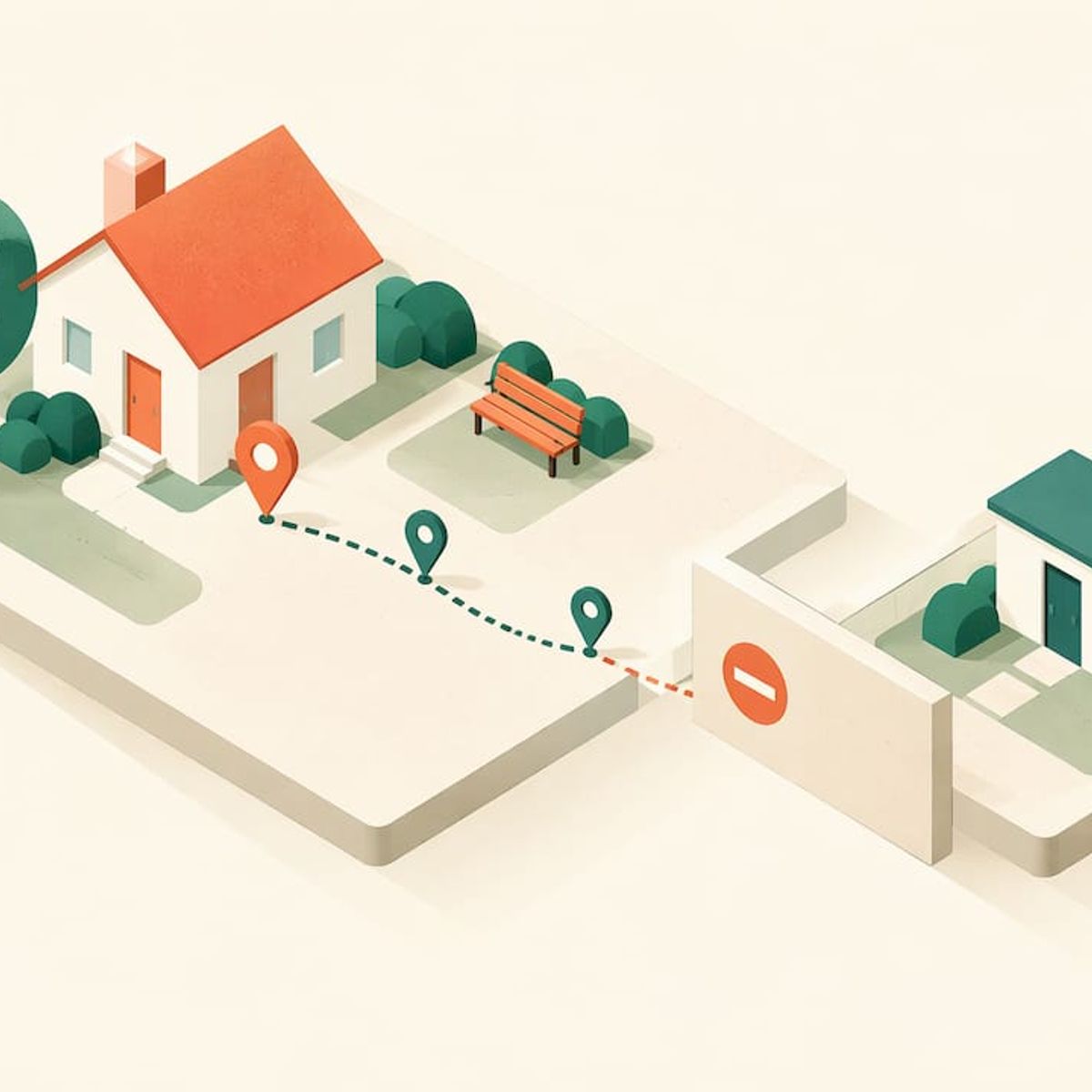
Caregiver Location Access: Who Sees What, and How
Caregiver location access means a person you care for, whether a child, an older parent or a pet, lets you see where they are, and you agree on who sees it, when, and how to pause it. You can set it up with the location sharing built into most smartphones, or with a dedicated GPS tracker for people who don’t carry a phone. Either way, the setup is only half the job. Consent, boundaries and a backup plan decide whether it works.
Kinwatchdog
kinwatchdog.com
Keep Loved Ones on One Map
Kin One tracks the locations of kids, pets, and parents on one map, with real-time updates and no monthly fees.
TL;DR
- Location access has three parts: the tool (phone sharing or a dedicated tracker), the permissions (who sees it, for how long), and the agreement (why you’re doing it and when it can pause).
- Phone sharing is free and fast to set up, but it fails when the phone is dead, left behind, or never owned. A dedicated tracker covers those gaps.
- Get consent before you start. Talk early, ideally while an older adult can still take part in the decision.
- No tracker is perfectly accurate, and none replaces supervision. Plan for dead batteries, indoor dead zones and weather.
- Kin One is a $99 one-off purchase with no monthly fees, designed to put kids, pets and parents on one map.
Table of Contents
- What caregiver location access actually covers
- Setting up location sharing on a phone
- When a phone isn’t enough
- Consent comes before the setup
- Alerts that help, and alerts that wear you out
- Plan for the day the tracker doesn’t work
- What it costs, and why monthly fees matter
- Our perspective
- Kin One for families who want one map
- FAQ
- Sources
What caregiver location access actually covers
The phrase sounds technical, but it comes down to a few plain questions:
- Who can see the location? One caregiver, a few relatives, or a wider circle.
- How much do they see? A live dot, a history of where someone has been, or only an alert when they arrive or leave.
- For how long? An hour, a day, or ongoing.
- Who controls it? The person being located, the caregiver, or both.
Those answers look different depending on who you’re looking after. A nine-year-old walking home needs little say in the matter. A teenager needs a conversation. A parent in the early stages of memory loss needs to feel that the tool protects their independence rather than ends it. A dog needs a collar-mounted device and no negotiation at all.
The common thread is that location access is a permission you design, not a switch you flip.
Setting up location sharing on a phone
If the person you care for already carries a smartphone, start there. It costs nothing and takes minutes. AARP’s family location sharing guide walks through the basics:
- On Android: turn on Use location and Google Location Sharing, then pick the people who can see you. The Find Hub tool lets the person choose recipients and a sharing duration.
- On iPhone: the Find My app lets someone pick a contact and share for an hour, until the end of the day, or indefinitely.
- Family groups: free family sharing supports up to six people, with location sharing toggled on or off for each member.
A few choices make the setup work better:
- Pick the shortest duration that does the job. An hour for a walk to the pharmacy is easier to agree to than “indefinitely.”
- Share with named people, not a crowd. Every extra viewer is another person the care recipient has to trust.
- Let the person set it up on their own phone wherever possible. It reinforces that they are in control.
If you’re helping a grandparent who struggles with phone settings, our guide to sharing location with grandparents when phones fail covers three alternatives.
When a phone isn’t enough
Phone sharing depends on three things going right: the person owns a phone, charges it, and carries it. For a young child, a dog, or an older adult who leaves the phone on the kitchen counter, at least one of those fails regularly.
That is where a dedicated GPS tracker earns its place. It’s a small device that reports its own position, so it works without a phone in the person’s pocket. It can clip to a backpack, sit in a bag or coat, attach to a collar, or be worn. We cover the details in our pages on GPS trackers for kids without a phone and GPS trackers for elderly parents.
It also helps to know what a small Bluetooth tag can’t do. A Wisconsin county guide on tools for safety and wandering prevention cautions that Bluetooth item trackers are not reliable for real-time GPS tracking, because they depend on being near other people’s smartphones and don’t give continuous independent location updates. For a quick look at the difference, see our comparison of cellular GPS and Bluetooth trackers.
Phone sharing or dedicated tracker: a quick comparison
SituationPhone sharingDedicated GPS tracker
Teen who always has a phone
Works well, with an agreement
Optional backup
Child without a phone
Not possible
Designed for this
Older adult who forgets the phone
Unreliable
Can be carried or worn
Dog or cat
Not possible
Collar-mounted
Upfront cost
Free
One purchase
Depends on the person charging a phone
Yes
Depends on charging the tracker
Many families use both: phone sharing for the people who carry phones, and a tracker for everyone else, so the whole household appears together.
Consent comes before the setup
The most common mistake in caregiver location access is treating it as a technical project. It’s a family conversation first.
AARP’s tech columnist makes the point that location sharing works best when everyone understands how it will be used and agrees to take part. His advice by relationship is useful:
- With teenagers, emphasize safety over control.
- With aging parents, focus on how the tool supports their independence while giving the family peace of mind.
- In all cases, trust comes from transparency, not from tracking.
The same AARP guide is where those points come from, and they’re worth reading before you raise the subject.
Consent for older adults and dementia
For an adult, consent is a legal matter as well as a courtesy. The Wisconsin guide above says that in Wisconsin, using a GPS tracking device requires consent from the individual or their legal representative. It also recommends discussing tracking early, ideally while a person with dementia can still take part in the decision. Rules differ by state, so if you’re caring for someone with significant memory loss, ask an elder law attorney or the person’s physician or social worker about the rules where you live and who holds decision-making authority.
What to agree on, in plain language
Before anyone starts sharing, settle these points. Write them down if more than one household is involved:
- Why you’re doing it (for example, arrival alerts after school, or reassurance after a fall)
- Who sees the location, and who doesn’t
- Whether history is stored, and for how long
- How and when the person can pause sharing
- What happens in an emergency, and who gets called first
In co-parenting situations, a written record prevents later disputes. A digital custody journal can keep agreements, exchanges and notes in one dated place, and our guide to co-parent location sharing with dual logins covers the tracker side. For everyday household etiquette, our two-week trial for location sharing gives families a low-pressure way to agree on norms.
Alerts that help, and alerts that wear you out
A live map is useful when you’re worried. Most of the time, you want to not look at it. That is what alerts are for.
The most useful ones are:
- Arrival and departure alerts for places like school, a doctor’s office, a friend’s house or a day program. You get a ping when someone gets there and when they leave, without watching a dot.
- Emergency contacts. Decide in advance who gets called, in what order. Kin One supports up to five approved emergency contacts.
- Check-ins at predictable times, such as when school lets out.
Keep the number of alerts small. If every trip to the mailbox sends a notification, you’ll start ignoring them, and the one that matters gets lost. Start with two or three places and adjust after a week.
If you want to test how a family emergency would play out, our five checks for emergency location sharing is a short checklist.
Plan for the day the tracker doesn’t work
The Alzheimer’s Association is direct about the limits of the technology: no location tracking system is 100% accurate, some devices don’t work well inside buildings, weather can affect accuracy, and tracking is not the same as having a companion with the person around the clock. It recommends using location tracking alongside other safety measures.
That is sound advice for every kind of caregiving. Build a simple backup routine:
- Charge on a schedule. Tie it to something fixed, like brushing teeth at night. A tracker that’s dead shows a stale location, and a stale location looks like safety.
- Check the last update time, not just the dot. A location from two hours ago is a clue, not an answer.
- Keep a current photo of the person, plus a list of places they like to go.
- Know who to call: neighbors, the care facility, local non-emergency police, and 911 if someone is at risk.
- Test indoors and outdoors the first week so you know where the signal is weak in your own area.
For a deeper look at how fast updates should arrive, see our explainer on real-time GPS tracking with 1 to 5 second updates.
What it costs, and why monthly fees matter
Most GPS trackers use a cellular connection, so most come with a monthly plan on top of the device price. Over several years, that adds up faster than the price of the hardware. For caregiving, which can last a decade or more, the recurring part is the number to compare.
When you shop, ask three questions:
- What is the total cost over three years, not just the first month?
- What happens to the location feature if the plan lapses?
- Does the price include the app and the network data?
Our family GPS tracker cost guide lays out year-one and year-three budgets, and the page on what a tracker subscription is for explains the reasoning behind the plans. If you’re specifically looking for devices without a plan, what to check on a no monthly fee GPS tracker is the place to start.
Our perspective
We built Kin One around one idea: a caregiver should be able to see the people and pets they look after on a single map, without a monthly bill and without giving up anyone’s dignity.
That’s why we left out audio monitoring and onboard cameras. Location access should answer one question, “where are they?”, and nothing more. Privacy controls matter just as much: the person’s visibility is user-managed, and routes can be deleted, so the tool stays in service of trust rather than surveillance.
We also believe the cost of caring shouldn’t climb every month. Kin One is a single payment that includes lifetime network data. A family caring for a child, a parent and a dog shouldn’t need three apps and three subscriptions to feel at ease.
Our advice: agree on the rules first, pick the simplest tool that fits the person, and keep a backup plan for the day a battery runs out.
Louis
Kin One for families who want one map
Kin One is our GPS tracker and app for families: one device, one map, kids, pets and parents together. It gives you live location updates, arrival and departure alerts, up to five approved emergency contacts, and privacy controls including route deletion and user-managed visibility. There are no monthly fees, and it comes with a two-year warranty. The price is $99, one-off.
If you’re ready to put the people you look after on one map, see Kin One. If you’d like to start with your own situation, we have pages for kids, seniors and pets, plus an overview of our family GPS tracker.
FAQ
Do I need permission to track an older parent?
Yes, consent is the right starting point, and in some places it is a legal requirement. A Wisconsin county guide says GPS tracking there requires consent from the individual or their legal representative. Rules vary by state, so ask an elder law attorney if capacity is a concern.
Can a caregiver see someone’s location without an app on their phone?
A dedicated GPS tracker can report its own location, so the person doesn’t need a phone. The caregiver uses the app to see it. This suits young children, older adults who don’t carry phones, and pets.
How accurate is location tracking?
No system is perfectly accurate. The Alzheimer’s Association notes that some devices struggle indoors and that weather can interfere. Treat the map as a strong clue and keep other safety measures in place.
How do I pause location sharing?
On phones, the person can stop sharing from the same app where they started it, or choose a short duration up front. With Kin One, visibility is user-managed. Agree in advance when a pause is fine and who to tell.
Sources
- Should Our Family Share Our Location with One Another (AARP)
- At-a-Glance: Tools and Technology for Safety and Wandering Prevention (La Crosse County ADRC)
- Technology Safety for Older Adults (Alzheimer’s Association)