Revoke Location Access: 6 Safe Steps for Families on Apple and Google
Stop location sharing on Apple or Google, verify access is gone, and follow FTC safety guidance before making changes; Kin One offers a device alternative.
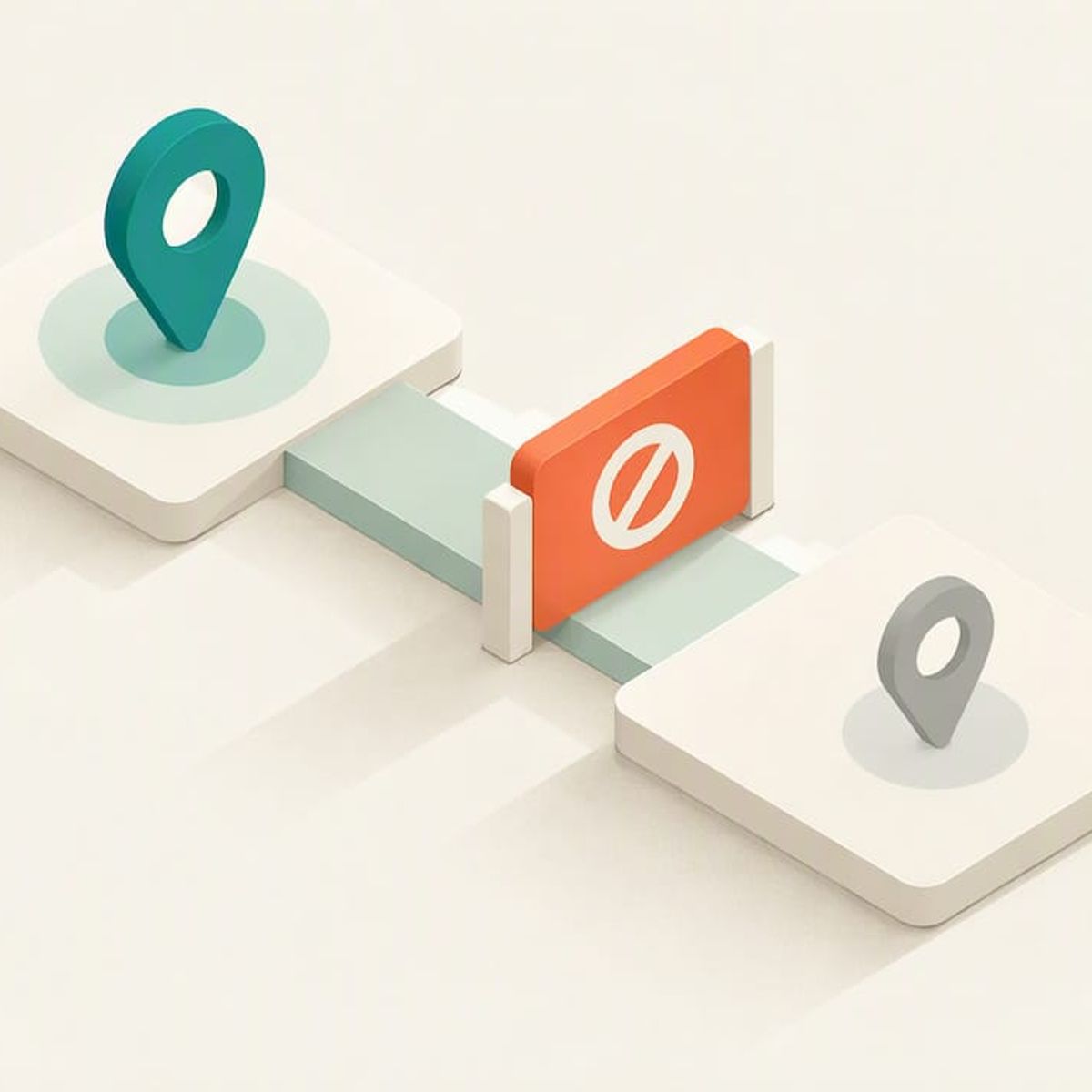
Revoke Location Access: 6 Safe Steps for Families on Apple and Google
Open your app’s location-sharing controls and stop sharing with that specific person, or switch off Share My Location to stop sharing with everyone at once. In Apple’s Find My that takes a few taps, and Google’s Location Sharing works much the same way. If safety is a worry, read the FTC’s guidance first. Our Kin One tracker is a device alternative.
TL;DR:
- If GPS visibility is the only concern, stop sharing with that person instead of removing them from Family Sharing, which also cuts off purchases and services.
- Verify revocation in Find My, Google Maps, Messages, and Contacts, then check every phone, tablet, browser, or other device signed into the same account.
- If you fear abuse or stalkerware, use a device the other person cannot access, preserve evidence, and contact an advocate before changing settings.
- Apple says children under 13 may need an account transfer rather than ordinary Family Sharing removal, so check supervision status before proceeding.
- Turning off location sharing does not immediately disable device finding; an Apple device may remain findable for up to 24 hours after shutdown or disconnection.
Kinwatchdog
Keep Family Location Sharing Simple
Kin One brings kids, pets, and parents onto one map with real-time updates and no ongoing subscription fees.
Table of Contents
- How do you stop someone from seeing a loved one’s location?
- What are the Apple steps to stop sharing?
- How do you confirm the person can no longer see the location?
- What if the person you’re removing may be abusive?
- A word from us on making this change
- Could a dedicated tracker make this simpler?
- FAQ
- Sources
How do you stop someone from seeing a loved one’s location?
Whatever service you use, the sequence is the same. Run through it in order.
- Open the app’s People or Location Sharing area and find the person you want to remove.
- Choose the stop option for that person only. This ends their view of your location and leaves everyone else untouched.
- If the person sits in a family group, decide what you actually want. Stopping location sharing changes only who sees a map pin. Removing someone from the group also cuts off shared purchases and services, so pick the smaller action when GPS visibility is the only issue.
- Check every device and account where the same owner is signed in, such as an old iPad, a second phone or a web login. Repeat the stop action wherever sharing is still active.
- Verify the result. Ask the person, or look from a separate device, to confirm the pin no longer appears.
- If you suspect abuse or stalking, pause before step 2. Use a different device than the one that may be monitored, preserve any evidence you need, and talk to an advocate first. Our safety section below explains why.
Pro Tip: Do the removal with the person in the room or on a call when the situation is friendly. A quick “I’m turning this off, tell me if you still see me” makes verification instant.
Families that want to reset expectations before changing anything can try a location-sharing etiquette trial, which gives everyone a chance to say what feels comfortable.
What are the Apple steps to stop sharing?
Apple gives you two controls, and they behave differently.
- One person: Open Find My, tap People, choose the person, and tap Stop Sharing My Location, per Apple’s Find My guide.
- Everyone: Open the Me tab and turn off Share My Location. Your location then disappears from the other person’s Find My, Maps, Contacts and Messages apps.
- Family Sharing: An organizer can remove an eligible member under Settings > Family > Remove [name] from Sharing Group. Apple’s Family Sharing page notes that removal affects more than location, including shared purchases and services.
- Child accounts: Age rules vary, and children under 13 may require a transfer rather than ordinary removal, so check the account’s supervision status before you start.
- Verification: After turning sharing off, look in Find My, Maps, Contacts and Messages to confirm the pin is gone.
Device-finding exception: Apple notes that a device may remain findable through Find My for up to 24 hours after it is turned off or disconnected. That is device finding, separate from person-to-person sharing.
How do you confirm the person can no longer see the location?
Revocation is only done once you have checked it. Work through this list.
- Review the People list in Find My and the sharing list in Google Maps. The removed person should be gone from both.
- Open Messages and Contacts. Apple shows shared locations in those apps too, so a lingering pin there means sharing is still on.
- Test from another device. Ask the other person to look, or sign in to a spare phone, and confirm nothing shows.
- Hunt for linked devices. On Google, location sharing is tied to the account and device context, so one change may not cover every phone, tablet or browser where that account is signed in.
- If a location still appears, sign out of accounts you do not recognize, remove unknown devices from the account, and change your password.
- Turn on two-factor authentication. If a hidden monitoring app is possible, a factory reset or a new device is the cleaner fix.
Pro Tip: Check again later before declaring success. Device-finding features can lag, and a pin that eventually vanishes means the change took effect.
Our privacy and verification checks for GPS trackers walk through a few more simple tests.
What if the person you’re removing may be abusive?
Removing access can tip someone off. The FTC’s stalkerware guidance advises planning before you change settings, because a sudden change may alert the person watching and raise your risk. The agency’s first case against stalking-app developers also stresses that location monitoring should be transparent and used only for legitimate purposes.
Safer sequence: use a device the person cannot reach, and reach out for help before touching the monitored phone.
- Contact a domestic-violence advocate or hotline from a different device.
- Preserve any messages, screenshots or records you may need later.
- If stalkerware is a possibility, the FTC notes that some monitoring apps required weakening phone security and could hide their icon, so consider a root or jailbreak check, a factory reset, or a new phone.
- Change account passwords only from a safe device, then enable two-factor authentication.
- Call law enforcement or a hotline if you are in immediate danger.
A word from us on making this change
People may ask about location sharing for many reasons. A teen wants more room, a divorce changes who should see what, a grandparent no longer needs daily check-ins. Those moments still sting, so say out loud what you are changing and why. Then check the settings once a month and confirm the result with the person involved. If sharing resumes later, agree on the rules first.
— Louis
Could a dedicated tracker make this simpler?
When location sharing is spread across several phones and accounts, revoking access means hunting through every one of them. Kin One puts kids, pets and parents on one map from a single device. You manage who sees what in one app.
- One-time purchase of $99
- Route deletion
- One map for the whole family, controlled in one place
See the Kin One product page and decide whether a dedicated tracker fits your household.
FAQ
How do I stop sharing my location with just one person?
Open your app’s People or Location Sharing list, pick that person, and choose the stop option. On iPhone that is Find My > People > Stop Sharing My Location, and Google offers an equivalent Stop button in Location Sharing.
How do I turn off location sharing for everyone?
On iPhone, open the Me tab in Find My and switch off Share My Location. That removes your location from every person’s view at once.
Does removing someone from Family Sharing stop location sharing?
It does, but it also removes access to shared purchases and services. If only the map pin is the problem, use the individual stop control instead.
Will the other person know I stopped sharing?
Our sources do not say whether a notification is sent, so assume they might notice the pin disappear. If you fear a reaction, plan first and follow the safety steps above.
Sources
- Support
- How to leave or remove a member from a Family Sharing group - Apple Support
- Support
- FTC Brings First Case Against Developers of “Stalking” Apps | Federal Trade Commission
- Stalkerware: What To Know | Consumer Advice