GPS Drift: Why Your Location Jumps and How to Fix It
GPS drift makes a still person, pet or car appear to wander. Learn what causes it, how big the error is, and how to get a steadier location on your map.
GPS Drift: Why Your Location Jumps and How to Fix It
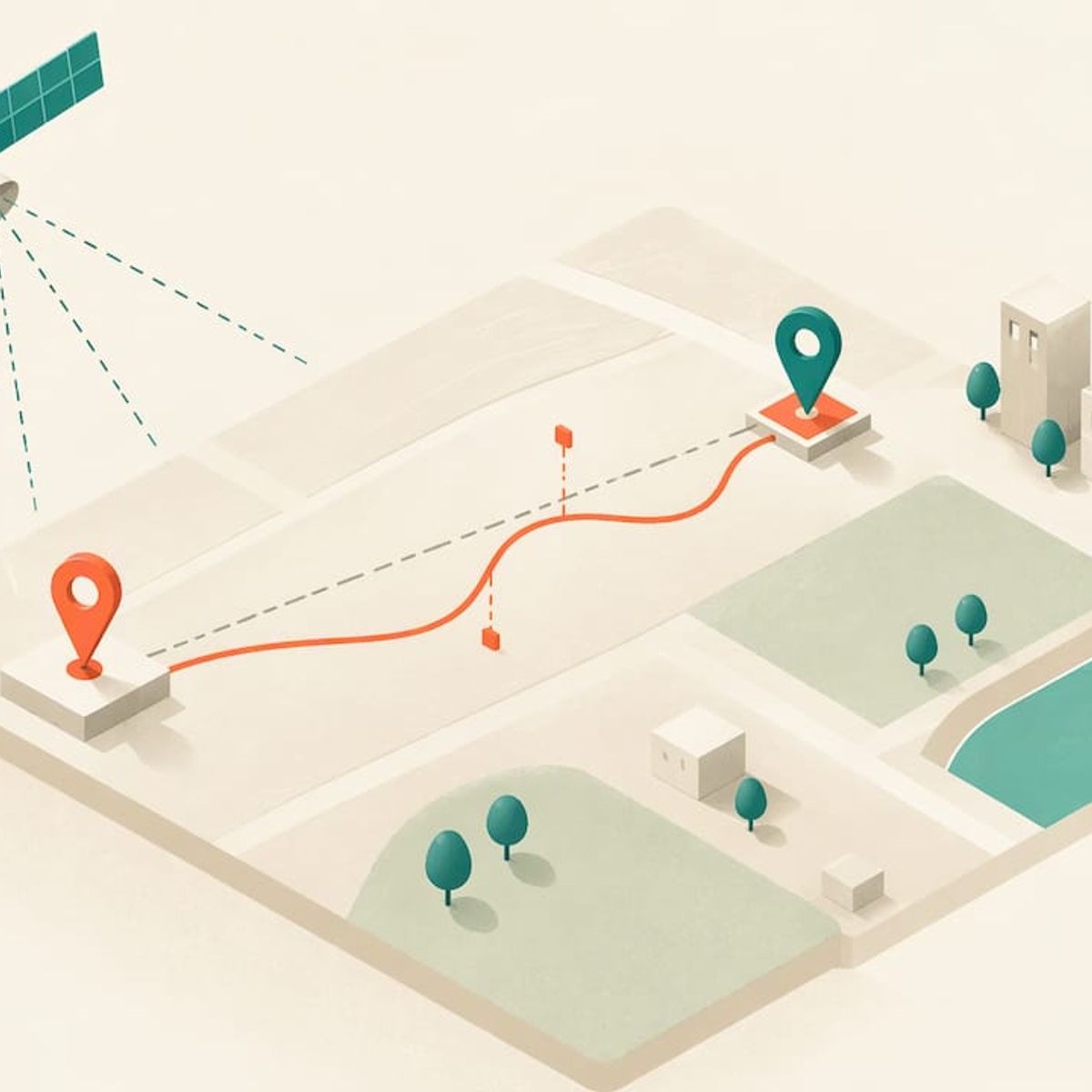
GPS drift is the wandering of a reported location when the device is not actually moving, or when its track strays from the path it really took. It comes from the way satellite signals are blocked, bounced and timed before they reach the receiver, not from a broken tracker. Most drift is a few yards and fades when the device gets a clearer view of the sky. For families watching a child, a dog or a parent on a map, a tracker built for real-time location with no monthly fee, like Kin One, is the practical way to see where everyone is. Knowing how to read drift keeps one odd dot from becoming a false alarm.
Kinwatchdog
See Loved Ones on One Map
Kin One provides real-time location updates for kids, pets, and parents, with no monthly fees.
TL;DR
- GPS drift is a temporary error in the reported position. It is usually caused by blocked or reflected satellite signals, not by a faulty device.
- Under open sky, a GPS-enabled smartphone is typically accurate to within about 16 feet, according to GPS.gov. Near buildings, bridges and trees, it gets worse.
- A cold start, when a receiver has no recent satellite data, can take minutes for a first fix. Waiting in the open usually fixes it.
- To reduce drift: get a clear view of the sky, give the device a minute, and compare the dot with where the person or pet really is before reacting.
Table of Contents
- What GPS drift actually is
- Why a still person or pet seems to move
- How big is the error, really?
- Drift, a lost signal and a wrong map are three different things
- What a cold start is and why the first fix is slow
- How to reduce drift and get a steadier location
- Reading a jumpy map: three family examples
- Our perspective
- Kin One for families who want a steady, shared map
- FAQ
- Sources
What GPS drift actually is
A GPS receiver works out where it is by measuring how long signals from several satellites take to arrive. This is called trilateration: each signal tells the receiver it is a certain distance from a satellite, and the overlap of those distances is your position. The receiver needs at least three satellites for a flat, two-dimensional position, as a 2020 validation study in PMC notes.
Drift happens when those timing measurements are slightly wrong. The receiver still calculates a position, but the result slides a few yards one way, then another. On a map, a tracker sitting on a kitchen counter can look as if it is slowly strolling around the block.
It looks scary because a map shows a precise dot, and a dot feels exact. In reality, every GPS position is an estimate with a margin around it. Drift is that margin made visible.
Why a still person or pet seems to move
GPS.gov, the U.S. government’s official GPS site, lists the common causes of degraded accuracy. They map neatly onto family life:
- Blocked signals. Buildings, bridges and trees block or weaken satellite signals. A child walking between school buildings or a dog in a wooded yard is in exactly this situation.
- Indoor or underground use. Signals are weak inside, so a device by a window will do better than one in a basement or the middle of a large store.
- Multipath. Signals bounce off buildings or walls before reaching the receiver. The longer, reflected path makes the satellite seem farther away than it is, and the position shifts.
- Rarer events. Radio interference or jamming, major solar storms and satellite maintenance that creates temporary coverage gaps can also degrade accuracy.
The PMC study adds the technical factors that decide signal quality: how well the receiver acquires the signal, how many satellites it sees, multipath, the geometry of the satellites in the sky, and receiver clock errors. Satellites spread widely across the sky give a better fix than satellites bunched together.
Everyday habits matter too. Samsung’s U.S. support page lists tall buildings blocking the sky, storms, GPS settings turned off, power-saving mode, weak Wi-Fi, restricted background apps, holding a device so your hand blocks the antenna, and metallic window tinting in vehicles as reasons for lost or inaccurate location. Those are phone-specific, but the pattern holds for any receiver: anything between the device and the sky makes the dot less reliable.
How big is the error, really?
Knowing the normal size of drift tells you when to ignore it and when to look closer.
SituationTypical errorSource
Smartphone, open sky
Within about 16 feet (4.9 m)
Wearable and phone GPS, tested outdoors
About 23 to 26 feet (7.1 to 8.0 m) at 95% confidence
Consumer devices vs. a reference
Roughly 11 to 24 feet (3.4 to 7.2 m) for the 95th percentile
SAE International, 2026
GPS/GPRS tracker, 1-minute fixes
About 11 feet (3.4 m)
GPS/GPRS tracker, 60-minute fixes
About 21 feet (6.5 m)
Raw GPS data before correction
Up to about 30 feet
Two things stand out. First, a normal, healthy fix is not a pinpoint. A 15 to 25 foot circle around the dot is ordinary. Second, the tracker study found that more frequent fixes improved accuracy and precision, though they demand more careful battery management. That tradeoff is why a tracker that reports location often is a different tool from one that checks in once an hour.
A single study from a forest or a running track will not match your neighborhood. In the PLOS ONE work on a commercial GPS logger, denser cover raised mean error by only 2.2 m, while fix success stayed near 100%. Modern receivers cope with cover better than most people expect. The big errors, such as the hundred-foot jump, come from the harsher cases: tall city blocks, indoor spaces and reflections.
For a deeper look at how this plays out for families, see our guides on GPS tracker accuracy in real use and how accurate GPS trackers are outdoors versus indoors.
Drift, a lost signal and a wrong map are three different things
When a dot looks wrong, the cause is usually one of three problems, and each looks different.
Drift. The track roughly follows the real route but with less precision. A knowledge base from a golf app describes it as a track that follows the road shape but loses precision because of reflections and shadowing. Jumpy tracks like this also inflate distance totals, because every wobble adds a few feet.
A lost signal. The device loses its satellites entirely. Once it re-acquires them, the map joins the last point before the loss to the first point after with a straight line. If your map shows a clean straight jump across a block, think signal loss, not drift.
A mapping error. GPS.gov points out that in many cases the GPS hardware works fine while the map misleads: roads drawn in the wrong place, mislabeled businesses, missing buildings or an incorrectly estimated street address. If the dot sits on the right spot but the address label looks wrong, the map is at fault, not the satellites.
Indoors, the picture changes again. When GPS is blocked, a device may fall back on Wi-Fi or cellular networks for its position, as Polar’s support page explains for its fitness devices. That fallback gives a rougher location, which is why indoor positions can place someone in the next room or the next building. Our article on whether a GPS tracker works indoors covers that fallback.
What a cold start is and why the first fix is slow
A cold start is what happens when a receiver switches on with no memory of where the satellites are. It must find signals and download orbit data before it can calculate a position.
The satellites broadcast that data slowly, at only 50 bits per second. Pulling down the full almanac (the satellite schedule) straight from the sky can take as long as 12.5 minutes. Ars Technica reported that unassisted phones could need four to six minutes after being carried to a new city. That 12.5 minute figure is the worst case for a receiver that knows nothing about the constellation, and modern gear ships with default data to avoid it.
Today, typical times are shorter. Ignion’s engineering blog (July 2026) puts a cold start at roughly 2 to 4 minutes, a warm start at about 45 seconds or less, and a hot start, a device that was just on, at a few seconds. Assisted GNSS, which delivers satellite data over a cellular or Wi-Fi network, can cut a cold start to seconds.
What this means for you:
- A device that was off, in a drawer or carried far since its last use may take a few minutes to settle. Early readings in that window are the least trustworthy.
- A pet tracker fitted in the garage and a child’s tracker dropped in a backpack in a basement may both start poorly. Step outside first.
- A first-fix wobble is not drift in the long-term sense. It clears once the receiver has locked on to enough satellites.
How to reduce drift and get a steadier location
You cannot change the satellites, but you can change what stands between them and the device. Work through these steps in order.
- Move to open sky. Open ground away from large buildings and dense vegetation is what researchers advise during signal acquisition, as the PMC study puts it. A driveway or park beats a hallway.
- Give it a few minutes. Polar notes that locating all available satellites can take several minutes, and the best reception is in the open. Hills, tall buildings, trees, rain, fog and snow can all affect it.
- Check how it is carried. Cover the antenna with a hand, a metal case or a heavy bag and the signal weakens. Clip or place the device where its top faces the sky when you can.
- Look at the vehicle. Metallic window tinting can obstruct signals, per Samsung’s list above. A tracker on a dashboard may do better than one deep in a glove box.
- Check the phone side. If your map app drifts but the tracker itself reports well, the problem may be your phone’s location settings, power-saving mode or weak connection when it loads map data.
- Confirm before you react. Look at the last few positions, not just one. A smooth path with a wobble is drift. A straight line across town is signal loss.
- Keep the software current. If a reading stays wrong in open sky for days, update the device by following our guide to a safe GPS tracker firmware update, then work through our troubleshooting guide, which separates positioning problems from reporting problems.
When readings are bad every time in the same place, the place is usually the cause. Our article on what blocks GPS helps you spot the spots in your routine where the signal is weakest.
Reading a jumpy map: three family examples
A child at school. The dot slides from the classroom wing toward the parking lot during the day. A school with large brick buildings is a classic multipath setting. The dot moves a few dozen feet, stays inside the campus and returns. That is drift. A parent who knows this does not rush to the door. A set of arrival and departure alerts tied to the school gives a clearer signal: either the child left the area or did not.
A dog in the yard. Tall trees and a metal fence make the position wobble by 15 feet or so. The dog has not escaped. If the dot leaves the property and heads along a road in a continuous line, that is real movement.
A parent at home. An older relative indoors shows on the next street. With GPS blocked, the position may come from a Wi-Fi or cellular fallback, which is coarser. The right response is a phone call, and perhaps a check of the position once they step outside.
The pattern is the same in all three. Drift stays close to the true place and returns. Real movement continues in a direction at a believable speed.
Our perspective
We built Kin One around a simple idea: a family should not need a monthly bill to know where the people and pets they love are. But we are honest about GPS itself. Every satellite fix is an estimate, and every parent who has watched a dot wander has wondered whether something is wrong.
What matters is how a tracker helps you act on that estimate. One map for kids, pets and parents means you compare positions side by side instead of guessing from one reading. Arrival and departure alerts give you events to trust, rather than a single dot to second-guess. Up to five approved emergency contacts mean help does not depend on one person looking at one phone.
We also chose privacy controls that put the family in charge: route deletion and visibility you manage yourself. A tracker you trust is one you can also switch off from view when you need to.
The device is a one-time purchase with lifetime network data and a two-year warranty, because peace of mind should not lapse the day a subscription does.
Louis
Kin One for families who want a steady, shared map
If you want one device and one map for kids, pets and parents, Kin One is a one-time $99 purchase with no monthly fees. It shows live location updates, sends arrival and departure alerts, lets you add up to five approved emergency contacts, and comes with a two-year warranty. Privacy controls include route deletion and user-managed visibility.
You can see how it fits your household on the pages for kids, pets and seniors, or read about real-time tracking with no monthly fee.
FAQ
Is GPS drift a sign my tracker is broken?
Usually not. Drift is a normal feature of how satellite positioning works, and it grows when the sky is blocked or signals bounce. If a device stays wrong in open sky for days, update its firmware and run through the troubleshooting steps above.
How far off can a GPS location be?
Under open sky, a smartphone is typically accurate to within about 16 feet, per GPS.gov. Near buildings, bridges and trees the error can grow to a few dozen feet or more. Raw, uncorrected GPS data can be off by up to about 30 feet, according to NASA.
How long does a GPS cold start take?
Typically around two to four minutes for a modern receiver with no recent satellite data, and much less if it has network assistance or was used recently. Standing in the open helps. Older receivers could take far longer.
Why does my map show the wrong address when the dot looks right?
The map, not the satellites, may be at fault. GPS.gov notes that incorrectly drawn maps, mislabeled places and wrongly estimated street addresses can mislead users even when the GPS hardware works properly. Trust the dot and the surroundings over the label.
Does drift happen indoors more than outdoors?
Yes. Indoor and underground use is one of the main causes of poor accuracy listed by GPS.gov. Walls and roofs weaken signals, and a device may fall back on Wi-Fi or cellular positioning, which is rougher than a satellite fix.
Sources
- GPS Accuracy, GPS.gov
- GPS Accuracy causes, GPS.gov
- Accuracy of Distance Recordings in Eight Positioning-Enabled Sports Watches, PMC
- GPS signal loss or inaccurate location, Samsung U.S. support
- Highly Accurate GPS Is Possible Thanks to NASA, NASA
- Performance of GPS/GPRS tracking devices, PLOS ONE
- Assessment of accuracy and fix success rate of a GPS logger, PLOS ONE
- Troubleshooting GPS, 18Birdies Knowledge Base
- Inaccurate route or distance, Polar USA
- Inside assisted GPS, Ars Technica
- Time to first fix, Ignion
- Assisted GNSS, Wikipedia