Tracker Offline Behavior: What Happens When a GPS Tracker Loses Signal
Why a GPS tracker shows offline, what it does without cell service, and how to tell a coverage gap from a real fault. A plain guide for families.
Tracker Offline Behavior: What Happens When a GPS Tracker Loses Signal
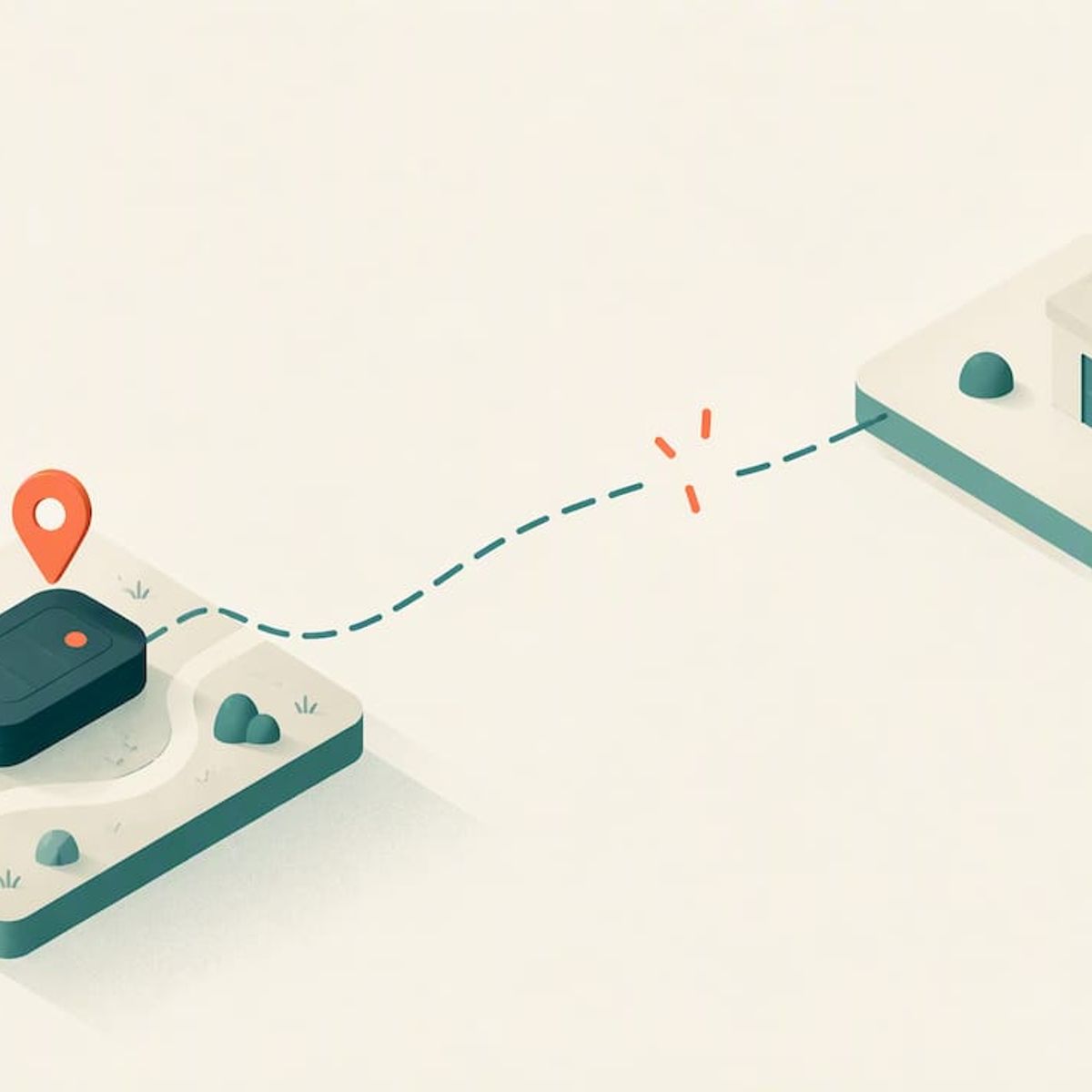
When a GPS tracker says “offline,” it almost always means the device can’t report to your phone right now. It usually does not mean the device has lost track of where it is. Those are two separate jobs, and most offline scares come from the second one being fine while the first one is blocked. Below we explain what offline really means, what a tracker does while it’s out of contact, how to tell a short coverage gap from a genuine fault, and what to look for before you buy one for a child, a parent or a dog.
Kinwatchdog
Stay Connected to Loved Ones
Kin One tracks kids, pets, and parents on one map, with real-time updates and no ongoing subscription fees.
TL;DR
- “Offline” describes communication, not position. A tracker can know where it is and still be unable to tell you.
- Underground garages, dense downtown blocks, rural dead zones and a drained battery are the usual causes, and many resolve on their own once the tracker reaches better coverage.
- Some trackers record locations while disconnected and upload them later. Others show only a last known position. Check which one you’re buying.
- A tracker that never needs a subscription still depends on a mobile network to reach your phone. No-fee does not mean no-network.
- Before you rely on any tracker for a child or a senior, test it in the places your family actually goes.
Table of Contents
- What “offline” actually means
- The common reasons a tracker goes offline
- What a tracker does while it’s offline
- Can a tracker give real-time location without a subscription or cell service?
- How to tell a coverage gap from a real problem
- Offline behavior by use case
- Our perspective
- Where Kin One fits
- What to ask before you buy any tracker
- FAQ
- Sources
What “offline” actually means
A GPS tracker does two things. First it works out its position from satellites. Then it sends that position over a mobile network to a server, which your app reads. “Offline” is the status you see when the second step fails.
One vehicle-tracker knowledge base makes the distinction clearly: an Offline status is separate from a No GPS status, and both can happen together, for example in an underground parking lot. The same page frames offline as a communication state, which helps you work out whether the problem is network connectivity or signal acquisition.
That split is the most useful thing to know about tracker behavior. It tells you where to look:
What you seeWhat it likely meansFirst thing to try
Offline, no recent pin
Tracker can’t reach the network
Wait for it to move to open, covered ground
Pin is old but the device says online
Tracker can reach the network but can’t get a satellite fix
Move it outdoors with a view of the sky
Both
Typical of garages, basements, tunnels
Move it out; expect a catch-up
Flickering between offline and online
Marginal coverage or a sleep schedule
Look at the update interval and the signal where it happens
We go deeper on the positioning-versus-reporting split in our guide to GPS tracker troubleshooting, and on the stale-pin problem in GPS Tracker Not Updating.
The common reasons a tracker goes offline
Physical obstruction
Parking or driving in an obscured area, such as a parking structure or garage, or sometimes near tall buildings in a large city, can cause a tracker to go offline. For a family, the same logic applies to a school gym with a metal roof, a hospital basement, a subway platform, a deep ravine on a hiking trail or a dog running through thick forest. Concrete, metal and earth all weaken the signal.
If you want a closer look at what blocks signals and how to spot it, see our piece on what blocks GPS. Indoor use is its own topic, covered in Does a GPS Tracker Work Indoors?.
No mobile coverage
A tracker that reports over a cellular network is only as reachable as that network. In remote country, on a lake, or on a ridge with no towers in range, the tracker may be perfectly healthy and simply unable to speak. The reassuring part: offline caused by cellular network issues typically resolves automatically once the device moves somewhere with better coverage.
Power
A dead battery produces the same symptom as a coverage gap: a pin that stops moving and an offline label. This is why battery habits matter more with a child’s or senior’s tracker than with an object tracker. If a charge is forgotten, the first sign you see will be “offline.” The difference is the pattern. A coverage gap tends to clear when the person moves. A dead battery doesn’t clear until you charge it.
Power-saving and idle behavior
Many trackers reduce how often they report when they aren’t moving. One forum thread about a vehicle tracker describes the unit going to “Offline” after about half an hour stationary, because it stops sending updates until it moves again. Another user describes a phone app showing a tracker flipping offline and online when the no-movement interval was set to 300 seconds. These are consumer examples from user forums, not rules for every device, but they show a real pattern: a long reporting interval can look like a disconnection.
So before you assume a fault, check the interval. A quiet pin on a sleeping dog or a child in a classroom may simply mean the tracker is idling.
What a tracker does while it’s offline
This is the part most people don’t know, and it varies by design. There are three broad behaviors.
1. Record and upload later (store and forward)
Some trackers keep working without a connection, saving each position in memory and sending the backlog when they reconnect. One professional vehicle tracker’s support page says it continues to track and store data without cellular service, then transmits the stored events when connectivity returns. The same page says it can buffer up to 10,000 independent messages, including GPS coordinates and daily heartbeats, which it equates to weeks of stored information.
The practical consequence: when it reconnects, you may see a burst of old points appear on the map at once. The route is filled in after the fact. It is a history, not a live view. If you care about the route of a walk through a dead zone, store-and-forward is what gives it back to you.
2. Show the last known position only
Other devices just stop. The app shows the last place the tracker reported, often with a timestamp, and nothing after. This is acceptable for a quick check on a bag or a bike, but it matters for people. The pin tells you where your child was, not where they are.
Always read the timestamp. A pin from 40 minutes ago looks exactly like a pin from 40 seconds ago unless you check.
3. Fall back to another path
Some devices with specific equipment and plans can use satellite links when cellular fails. One asset tracker’s documentation says that, with select partner-enabled SIMs, it uploads ignition records, voltage readings and GPS locations every 15 minutes while moving, via satellite, without cellular. That is a specialized, fleet-grade setup, not the typical family tracker. If your hiking family needs true off-grid contact, the better fit is a different category of device, which we compare in Satellite Messenger vs GPS Tracker.
What about power loss?
Power behavior is a separate matter from connectivity. The same vehicle-tracker page notes that the unit remembers the state it was in when power was lost and, when power is reconnected, can reactivate its output to return to its last recorded state. For a wearable or a collar tracker the lesson is simpler: after a full discharge, expect it to take a few minutes to find satellites and reconnect before the pin becomes current.
Can a tracker give real-time location without a subscription or cell service?
This question comes up constantly, and it mixes two different things.
No subscription is a billing model. It means you pay once and the network access is covered. Whether that’s possible depends on the maker. Our own approach is covered in GPS Tracker With No Monthly Fee and in why a tracker should never have a monthly bill.
No cell service is a physics problem. A tracker sends its location over some kind of link, and if no tower, Wi-Fi network or satellite relay is in reach, nothing gets through in real time. GPS itself is receive-only: your tracker listens to satellites but doesn’t transmit to them. So a real-time pin on your phone needs a network somewhere in the chain.
Put together: you can have real-time tracking with no monthly fee, but not real-time tracking with no network at all. In a no-coverage zone, the honest options are a tracker that stores points and uploads them later, or a separate satellite device built for that purpose. For the cost side of the decision, see our GPS tracker cost breakdown and what a subscription plan is actually for.
Also note that Bluetooth-style finders behave differently again. They rely on nearby phones passing through, not on their own connection. The trade-offs are laid out in GPS Tracker vs AirTag.
How to tell a coverage gap from a real problem
When a tracker goes offline, work through this in order. It takes a couple of minutes.
- Check the timestamp. When was the last update? If it was minutes ago and the person is likely indoors or underground, wait.
- Think about where they are. Garage, basement, tunnel, rural road, a long hike? Those explain most offline spells.
- Ask someone to call or text. If your child or parent answers, the tracker is the only thing in question, and the person is fine.
- Consider the battery. If the last report came with a low-battery warning, or the device was uncharged yesterday, assume it died.
- Wait for movement. Per the guidance above, a network-related offline state typically resolves once the device reaches better coverage.
- Restart and re-seat. If the person has returned to a place with strong coverage and the tracker is still silent after a reasonable wait, power-cycle it and make sure it’s charged.
- Look for a pattern. If it drops at the same spot every day, that spot is a dead zone. If it drops randomly everywhere, it’s a device or setup problem.
If a tracker is offline and you can’t reach the person by phone either, that’s no longer a tracker question. Call them, call the school, a neighbor, or emergency services if you believe someone is in danger. A tracker is a tool for finding someone, not a substitute for reaching them.
Offline behavior by use case
Kids
Children spend their day in exactly the places trackers struggle: school buildings, gyms, basements, buses. A short offline spell at school is normal; a long one on the walk home isn’t. Arrival and departure alerts are most useful here because they confirm the two moments that matter, and a gap in between is expected. Our kids page and the teens page cover how that plays out at different ages. If you’re comparing options for a child without a phone, our guide to child location tracking covers the privacy-law angle too.
Seniors
For a parent with memory problems, an offline label can mean the person has walked into a building or an area with poor coverage, or that the device wasn’t charged. Charging routine matters more than any feature. Build it into something fixed, like the same time each evening. More on this on our seniors page.
Pets
Dogs roam into woods, valleys and fields where coverage fades. Expect more offline spells outdoors than in town, and expect the pin to catch up when the dog comes back toward a road or houses. Collar fit and battery are the main variables. See our pets page for more.
Our perspective
We build for families, so we think about offline behavior as a trust problem more than a technical one. A tracker that quietly shows an old pin as if it were current is worse than no tracker, because it gives you confidence you haven’t earned.
That shapes how we’d like any family tracker to behave. It should tell you plainly how old the information is. It shouldn’t hide a gap behind a friendly icon. It shouldn’t charge a monthly fee for the privilege of reaching your own child. And it shouldn’t pile on features, such as audio listening or cameras, that you don’t need to answer the question “where are they?”
We also think families should be told the limits up front. No consumer tracker defeats a concrete basement or an empty valley with no coverage. What a good one does is make the gaps short, make them visible, and make the recovery obvious. Before you rely on any device, including ours, walk the real routes: the school, the grandparent’s apartment, the dog park. Watch the map. Then you’ll know what “offline” means for your family, not just in a manual.
— Louis
Where Kin One fits
Kin One is a one-time purchase GPS tracker for kids, pets and parents on a single map, at $99 with no monthly fees. It includes live location updates, arrival and departure alerts, up to five approved emergency contacts, privacy controls with route deletion and user-managed visibility, and a two-year warranty. There’s no subscription to lapse, so you never lose access to the map because a plan ended. If you want to see how one map for the whole family works, start with our family GPS tracker page.
It’s still a tracker that needs a network to reach you, so the advice above applies to it as to any other: test it on your own routes and read the timestamps.
What to ask before you buy any tracker
Use these questions on any product page or support team:
- Does it store locations when it’s disconnected, and does it upload them later? If the answer is vague, assume it shows last known position only.
- How often does it report when moving, and when still? Long idle intervals can look like outages.
- How does the app show the age of the last update? A visible timestamp is a safety feature.
- What is the real battery life at the update rate you’ll use? Rated figures are usually for gentler settings.
- What happens after a full discharge? How long to reconnect?
- Is network access included for good, or tied to a plan? See the five tests for tamper-resistant trackers if the tracker will be worn by someone who might take it off.
- Can the tracker send an alert when it goes quiet? That turns a silent gap into a prompt.
For wider preparation, our family safety checklist and emergency location sharing checks cover what to set up before you need it. And if you’re deciding between live tracking and a record of where someone went, location history vs live tracking explains the difference.
FAQ
Why is my GPS tracker offline?
Usually because it can’t reach a mobile network, it’s in an obstructed spot like a garage or basement, or the battery is flat. Offline is a communication status, separate from whether the device has a satellite fix. If it was a coverage issue, it typically clears on its own once the tracker moves to better coverage.
Will a tracker save locations while offline and upload them later?
Some do and some don’t. Certain trackers buffer thousands of positions and send them once the connection returns, which fills in the route afterward. Others only show the last known spot. Ask the maker which behavior your model has before relying on it.
Is there a real-time GPS tracker that doesn’t require a subscription?
Yes, some trackers are sold with a one-time price and no monthly plan, including Kin One at $99. Real-time still needs a network link to reach your phone, so even a no-fee device can go offline where there’s no coverage.
How far away will a GPS tracker work?
A cellular GPS tracker has no fixed range, because it reports through the mobile network rather than directly to your phone. What limits it is coverage at its location, a clear view of the sky for a satellite fix, and battery life. Bluetooth-only finders are different: they work only near other phones.
Sources
- What does it mean when a vehicle is “offline”?
- What happens if ARMOR 4 loses power or cellular connectivity?
- Device configurations, Geotab Support Center