School Arrival Alerts: What They Tell You and How to Get Them
School arrival alerts explained: what your school's alerts confirm, how to sign up, what to do when one doesn't arrive, and how to add your own location alert.
School Arrival Alerts: What They Tell You and How to Get Them
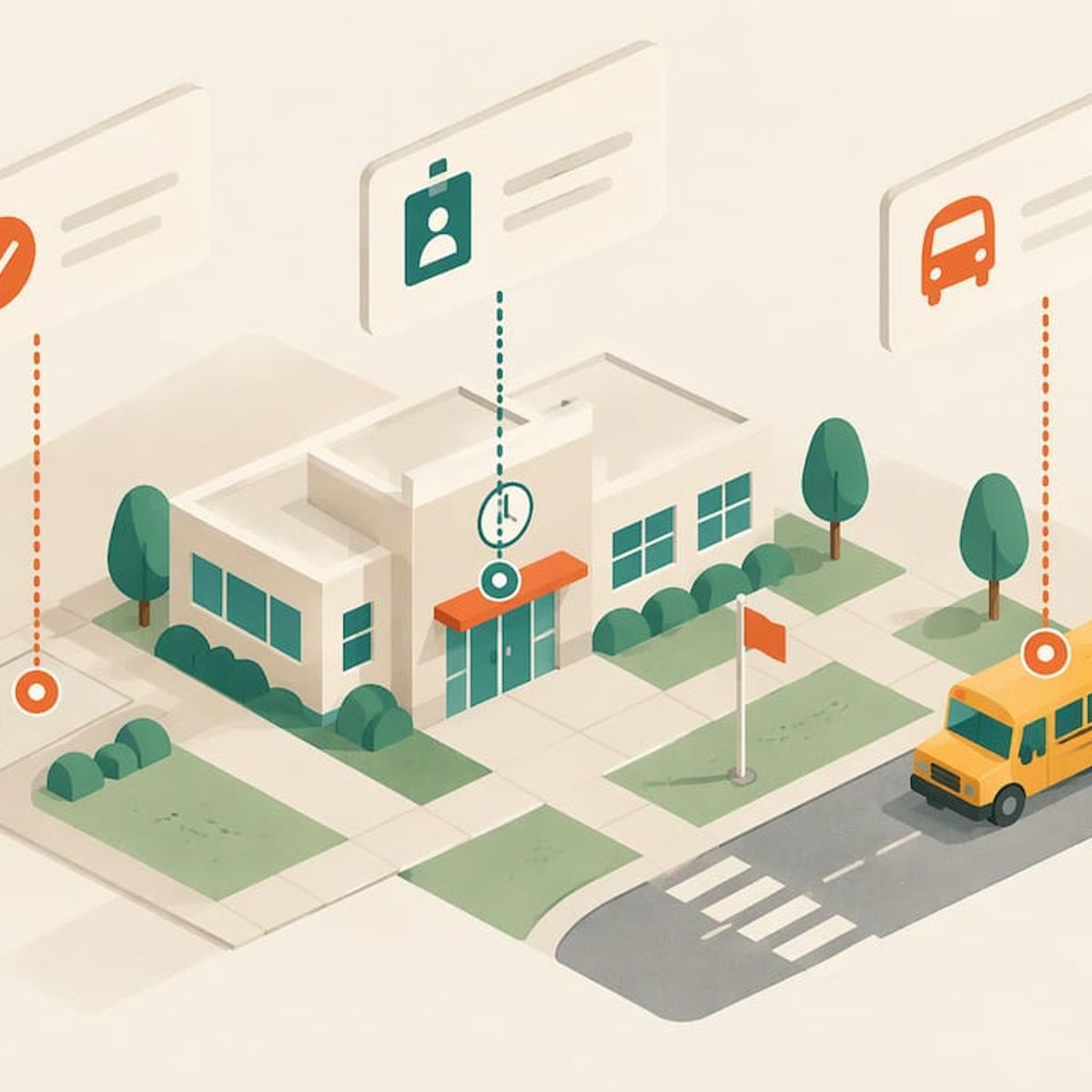
A school arrival alert is a notification that tells you your child got to school, or that the bus is close. Most U.S. schools and districts offer only some versions of this. Some send attendance alerts triggered by a teacher’s mark. Others offer bus-tracking alerts triggered by a vehicle’s location. A few record a scan at the door. If your school offers none of these, or you want confirmation tied to your child’s actual location, a GPS tracker with an arrival alert fills the gap.
This guide explains the different alert types, what each one proves, how to sign up, what to check when an alert doesn’t come, and how to build your own arrival alert.
Kinwatchdog
Know When Your Child Arrives
Kin One tracks kids, pets, and parents on one map, with real-time location updates and no ongoing subscription fees.
TL;DR
- “Arrival alert” covers several different things: an attendance mark, a door scan, or a bus-location notice. Each confirms something different.
- Attendance alerts fire when a teacher records a status. They are not a location event.
- Bus-tracking alerts follow the vehicle, not your child, so they tell you the bus is near, not that your child is on it or in class.
- Most missing alerts come down to settings: notifications off, wrong route, wrong phone number, or an unfinished verification.
- If you want an alert tied to where your child actually is, a GPS tracker with an arrival alert on a school geofence does that. Kin One is a one-time $99 purchase with no monthly fee.
Table of Contents
- The three kinds of school arrival alerts
- What each alert proves
- How to find out whether your school offers arrival alerts
- Setting up bus alerts the useful way
- When an expected alert doesn’t come
- Make your own arrival alert with a GPS tracker
- Our perspective
- Kin One for school-day peace of mind
- A short checklist for the first week of school
- FAQ
- Sources
The three kinds of school arrival alerts
Parents use “arrival alert” to mean three different things. Knowing which one your school sends tells you what the message actually proves.
Attendance alerts: triggered by a teacher’s mark
Attendance alerts are real-time notifications schools send when a student is marked absent or tardy. One school-communication company describes them as delivered by app, text, email or voice, and as triggered by a teacher’s attendance mark rather than by a location or GPS event.
That means they are mostly bad-news alerts. In one gradebook system’s setup guide, alerts can be set for absent, late, excused absence or excused late arrival, but texts go out only for a plain Absent mark, and a Present mark never triggers anything. If your school works this way, silence means “not marked absent,” not “arrived.”
Check-in alerts: triggered by a scan
Some schools record arrival at a door. One dismissal-management system’s documentation says its morning arrival alert fires when staff scan a student’s tag at an entry door, recording that the student is on campus. Classroom alerts fire when a student or teacher records the student as In Class.
This is closer to what most parents want, but it still depends on a person or a tag being scanned. It confirms the school recorded a check-in.
Bus-tracking alerts: triggered by a vehicle
Many districts now offer apps that follow the bus. These send a push notification when the bus is a set distance or time from your stop, or when it enters a zone around a school. They answer “where is the bus?” and are useful for the morning rush. They do not answer “is my child on it?”
One district’s guidance makes the point directly: its app tracks the bus, not the student, so notifications still fire even if a student does not scan on.
What each alert proves
Alert typeWhat triggers itWhat it tells youWhat it does not tell you
Attendance (absence or tardy)
A teacher’s attendance mark
Your child was marked absent or late
That your child reached campus on time, or where they are
Door or classroom check-in
A staff or student scan
The school recorded arrival
Anything about the walk or ride before the scan
Bus-location alert
The bus’s position
The bus is near a stop or school
That your child boarded or got off
GPS tracker geofence alert
The device’s own location
The device entered or left a zone you set
Whether the device is in the backpack or in a pocket
The rows aren’t competing. Many families layer them: the school’s alert for official records, and a location alert for their own peace of mind.
How to find out whether your school offers arrival alerts
Start with the district website, not the school’s front page. Bus-tracking and notification tools are usually run by the transportation or communications department.
- Search the district site for “transportation,” “bus tracking,” “parent app” or “notifications.”
- Check your email for an invitation. Districts often send activation links to the primary email in the student information system. One Pennsylvania district began sending registration invitations to the primary email in each family’s account in late October 2026. The service is free to parents and guardians, and one account can manage several children.
- Ask the front office which alerts are sent automatically: absence, tardy, early dismissal, bus delays.
- Confirm your contact details with the school. Phone and email changes usually go through the school, not an app help desk.
Expect to be an approved contact
Schools restrict who sees what. In one Washington district, access to student schedules is granted only to designated contacts, who may then share schedules with caregivers. Another district in Massachusetts requires two-factor login, and families who want to add relatives must contact the district to be added to an approved family list. If a grandparent or nanny should get alerts, ask the school early.
Setting up bus alerts the useful way
Bus apps differ, but the same settings matter in most of them.
- Alert zones. One parent portal lets you draw zones with a radius from 0.1 to 2 miles and a time window, and it notifies you only when the vehicle assigned to your student passes through during that window.
- ETA alerts. Another lets you place zones anywhere on the map and choose alerts when the bus is 5, 10, 15 or 20 minutes away.
- Morning versus afternoon. In one district’s system, alerts are sent when the bus is on its way to the stop in the morning, always, and in the afternoon only if your child loaded the bus. That afternoon rule is the closest a bus app gets to confirming your child’s own movement.
- Extra recipients. Some apps let you add more people. One district’s app allows up to three email recipients and also advises students to be at the stop 10 minutes before the scheduled arrival.
- Browser access. Some districts have dropped the app requirement. One Virginia district’s parent portal now works in a browser, with customizable alert zones and 15 languages.
Expect a short delay
Live maps are not instant. One district notes a 16-second gap between the bus’s real position and what the app shows, and calls it normal. Treat the map as close, not exact.
When an expected alert doesn’t come
Work through this list in order before calling anyone.
- Alerts are on for each child and each route. Parents with two children often turn them on for only one.
- A route is assigned, and it matches the route your child actually rides. A substitute route or a new stop can break alerts silently.
- Your phone number and carrier are correct on file with the school.
- Verification is complete. Many systems send a confirmation text you must answer.
- You haven’t opted out. In one district’s text alert system, parents who stopped messages can text UNSTOP to 833-742-0656 to opt back in. Check your own district’s instructions, since the number is specific to that system.
- Phone settings. Check that the app can send notifications and isn’t muted by a focus mode.
If the list checks out and nothing arrives, contact the district transportation office. The troubleshooting steps from the district’s own guidance end the same way: contact the district.
Make your own arrival alert with a GPS tracker
School alerts depend on someone else’s scan, mark or bus route. A GPS tracker works from the device’s own location. You draw a zone around the school, and your phone notifies you when the device enters it and again when it leaves. That is your own arrival alert, whichever way your child gets there: walking, biking, carpool or bus.
Here is how that looks in practice with a family tracker.
- Place a geofence on the school. Set it around the entrance or drop-off area, not the whole campus, so the alert fires near arrival.
- Add home and one or two regular stops. Keep the list short. We cover why in our guide on trimming to five active geofences.
- Test the zone once on a weekend by walking through it with the device.
- Share the map with the other adults who need it, so everyone sees the same picture.
For the detail behind geofences, our pages on arrival and departure alerts with geofencing and five steps to reliable geofence alerts go step by step. If you are curious how this applies to a school day specifically, see our page on a GPS tracker for kids at school and our note on missing arrival and departure alerts.
Pair it with the school’s system
The two layers cover different questions. The school’s attendance alert tells you the office knows your child is absent. Your geofence alert tells you the device reached the school zone. If both are quiet, or if the geofence fires but the school then reports an absence, you know exactly which question to ask the office.
Before your child carries a device to school, read the school’s handbook for its rules on electronics, and talk with your child about where the tracker lives, usually the same spot in the same bag every day.
Our perspective
Parents ask us the same thing in different words: “How do I know my child got there?” A school alert answers a narrower question. It tells you what the school recorded, or where a bus is. Both are useful, and neither is a view of your child’s own movement.
We built Kin One around the second question. Kids, pets and parents show on one map, with arrival and departure alerts, up to five approved emergency contacts and live updates. There is a single upfront payment, no monthly fee, and the network data is included for life.
We also kept it narrow on purpose. There is no audio monitoring and no onboard camera. Kin One gives you location, and privacy controls such as route deletion and user-managed visibility keep the family in charge of what is stored and who sees it. We think a tracker that does one job and respects your child is easier to explain to your child, and easier to keep using.
Louis
Kin One for school-day peace of mind
If you want an arrival alert that doesn’t depend on a school’s scan or a bus route, Kin One is built for it. You set a geofence on the school and get an alert on arrival and another on departure. Up to five approved emergency contacts can be added, and the same map can also show a parent or a pet. It costs $99 once, with no subscription and a two-year warranty.
See the details on the Kin One product page, or browse GPS trackers for kids. If you are weighing it against a phone-based option, our comparison of Family Link and a GPS tracker lays out the difference between screen time and hardware.
A short checklist for the first week of school
- Find the district’s parent notification page and accept the email invitation.
- Confirm phone number, email and approved contacts with the front office.
- Turn on alerts for every child and every route.
- Set bus alerts with enough lead time to get out the door, such as the 10 or 15 minute options where offered.
- If using a tracker, set the school geofence and test it before the first day.
- Agree with your child on where the tracker goes and what to do if an alert looks wrong.
FAQ
Is a school arrival alert the same as an absence alert?
No. An absence or tardy alert is triggered by a teacher’s attendance mark, while a location-based alert is triggered by a device or a vehicle. In some systems, a text goes out only for a plain Absent mark, and a Present mark sends nothing. So no message does not confirm arrival.
Does a bus alert mean my child is on the bus?
Not always. Many bus apps track the vehicle, not the student, so notifications can fire whether or not your child boarded. Some systems send afternoon alerts only if your child loaded the bus. Check how your district’s app handles it.
Why am I not getting my school’s alerts?
The usual causes are alerts switched off for one child, a route that doesn’t match the one your child rides, a wrong phone number, or unfinished verification. Fix those first, then contact the district’s transportation office if nothing changes.
Can other family members get the alerts?
Often yes, but through the school. Districts typically limit access to designated contacts and may require you to add relatives to an approved list. Ask the front office or transportation department. With a family GPS tracker, you can share the same map with the adults you choose.
Do I need a monthly plan for a GPS arrival alert?
Not with Kin One. It is a one-time $99 purchase with lifetime network data and no subscription, so the arrival and departure alerts don’t carry a recurring fee.
Sources
- MarkTrack: set up attendance alerts
- ParentSquare: why attendance alerts matter
- Silent Dismissal wiki: morning arrival
- MyChesCo: Kennett schools add real-time bus tracking
- Bellingham School District: bus app
- Haverhill Public Schools: family app
- Cobb schools: parent portal step-by-step
- Orange USD: bus app quick-start guide
- Parent app FAQ (SMART tag)
- Central Unified: text alerts updates and FAQs
- Euclid Schools: bus tracking app
- North Penn School District: bus app
- Patch: Alexandria schools add bus tracking features